

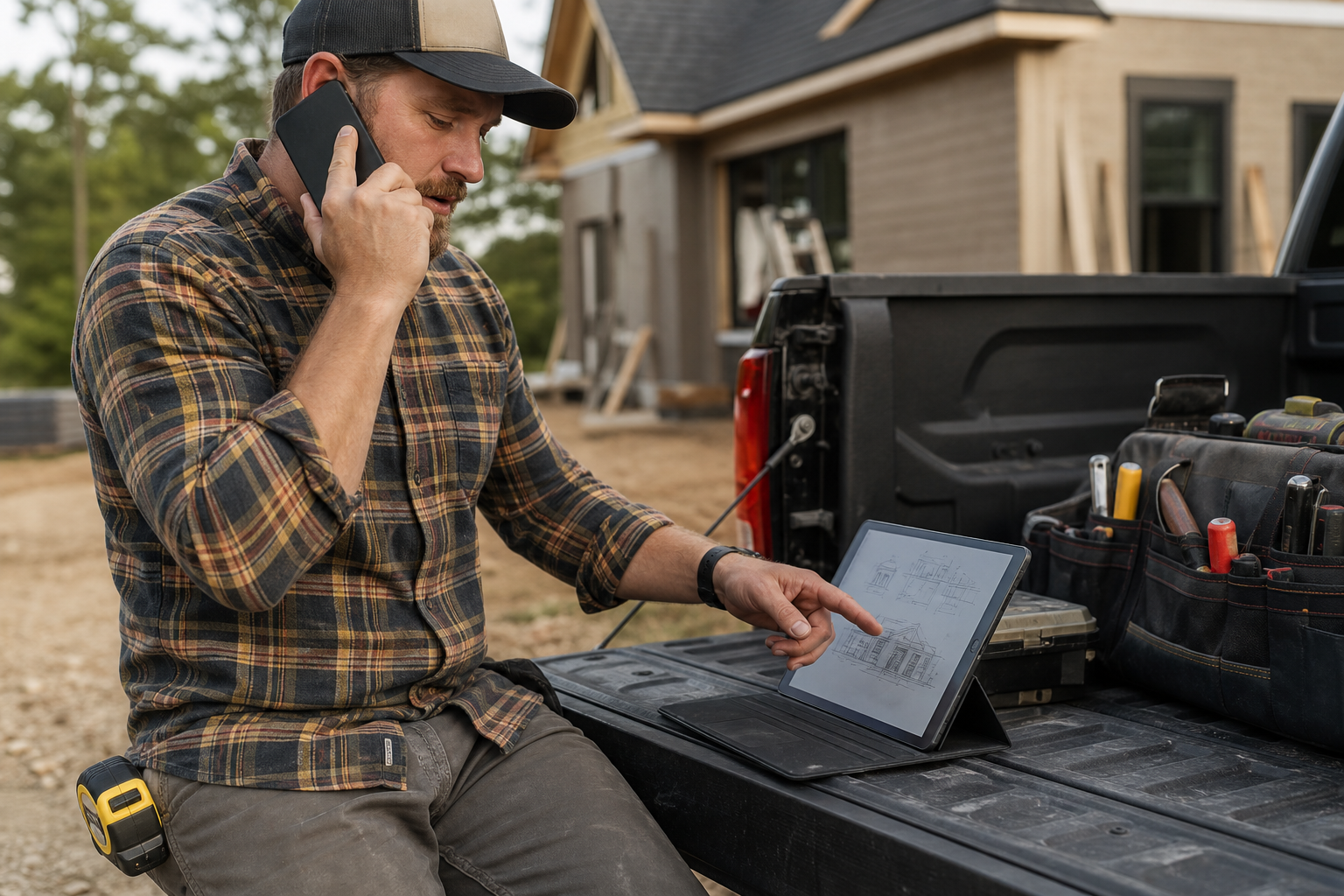
You spent money to get the lead. You sent the crew out to give an estimate. The homeowner said they would think about it—and then silence. No callback. No signed contract. The estimate sits in a folder somewhere, and the job goes to whoever followed up first.
This is not a marketing problem. It is a follow-up problem. And for contractors running roofing, painting, HVAC, plumbing, or any trade-based business, unsold estimates represent one of the largest revenue leaks that nobody tracks.
Lead follow-up automation for contractors is not about replacing the personal touch. It is about making sure no lead gets forgotten—so when you do pick up the phone or send that text, the timing is right and the conversation is warm.
The Real Cost of Inconsistent Follow-Up
Most contractors do not have a system for following up on leads and estimates. They have a habit—and habits break down when things get busy.
During peak season, the crew is booked, the phone keeps ringing, and yesterday's estimate gets pushed to tomorrow. Tomorrow becomes next week. By then, the homeowner has already hired someone else or lost interest entirely.
The math is straightforward: if you close a higher percentage of the estimates you already give, you generate more revenue without spending another dollar on marketing. Follow-up automation is designed to protect that existing investment by keeping every lead in motion.
What Lead Follow-Up Automation Actually Looks Like
Automation does not mean a robot is selling for you. It means a defined workflow runs in the background, handling the repetitive timing and reminder tasks so your team can focus on the conversations that actually close jobs.
The basic workflow
A trigger event occurs. A new lead submits a contact form. A phone call goes unanswered. An estimate is sent but not signed.
An automated action fires. A text message, email, or internal task is created based on the trigger. The message is pre-written but can feel personal and human.
A follow-up sequence continues. If the lead does not respond, additional touchpoints are sent at timed intervals—typically over the following one to two weeks.
A human reviews and steps in. At key points in the sequence, your team gets a notification to make a personal call or adjust the approach based on the lead's behavior.
The automation handles the timing. Your team handles the relationship.
Missed-Call Follow-Up
For contractors, a missed phone call during business hours can mean a lost job. The caller needed help, you did not answer, and they moved down the search results to someone who did.
Missed-call automation sends an immediate text response—something like "Hey, sorry we missed your call. We'll get back to you within the next 15 minutes. Can you share a few details about what you need?" That simple reply can keep a lead warm long enough for your team to call back.
Why it works
It acknowledges the caller instantly, signaling that your business is responsive.
It buys your team a realistic window to return the call.
It captures the lead's information in writing so nothing is lost even if the callback takes longer than expected.
A missed call with no response is a dead lead. A missed call with a fast text reply is still a live opportunity.
Estimate Follow-Up Sequences
The biggest revenue leak for most contractors is not at the top of the funnel—it is in the middle, where estimates go cold.
A homeowner receives your estimate, thanks you, and says they need to discuss it with their spouse, compare prices, or check their budget. That is completely normal buying behavior. What is not normal is walking away and never circling back.
A practical estimate follow-up sequence
Day 1 (after estimate delivery): Thank them for their time. Confirm the estimate is in their inbox. Ask if they have any questions.
Day 3: Check in briefly. Mention you are happy to walk through the estimate or adjust scope if needed.
Day 7: A gentle reminder that you would love to get them on the schedule. Reference the original scope to keep it specific.
Day 14: Final touchpoint. Let them know the estimate is still valid and you are available if their timeline changes.
Each message should be short, conversational, and low-pressure. The goal is not to hard-sell—it is to stay present in their decision process so you are still top of mind when they are ready.
The human review checkpoint
Automation runs the sequence, but your team should review leads that have not responded after the second or third message. Maybe the lead mentioned a specific concern during the estimate visit. Maybe the project scope changed. A personal phone call at this stage—informed by the automated history—can be the difference between a closed job and a lost one.
Workflow Design: Triggers and Timing
Building effective lead follow-up automation for contractors starts with mapping out every point where a lead could stall or disappear.
Common triggers
Trigger EventAutomated ResponseTimingNew web form submissionConfirmation text + internal alertImmediateMissed phone callApology text + callback requestWithin 1–2 minutesEstimate sentThank-you messageSame dayEstimate unopened (email)Reminder to open/reviewDay 2Estimate not signedFollow-up sequence beginsDay 3No response to sequenceInternal task for personal outreachDay 7–10The timing matters. Too fast and you feel pushy. Too slow and the lead forgets you. The intervals above are starting points—adjust based on what your close data tells you.
Keep the human in the loop
Automation should never operate in a black box. Build in review points where your team sees what has been sent, what the lead's response (or silence) looks like, and whether the next automated message still makes sense. Some leads need a phone call, not another text. The automation should flag those moments, not override them.
CRM Hygiene: The Foundation That Makes Automation Work
Automation built on messy data produces messy results. Before launching follow-up workflows, your CRM needs to be clean enough to support them.
What clean CRM data looks like
Every lead is logged. Phone calls, form submissions, referrals, walk-ins—all of them.
Source is tracked. You should know whether a lead came from Google Ads, organic search, a referral, or a yard sign.
Status is current. New lead, estimate sent, follow-up in progress, won, lost—every lead has a status that reflects reality.
Contact info is complete. Name, phone number, email, address, and service needed—at minimum.
If you are using a CRM like Jobber, much of this can be structured into your workflow automatically. The key is making sure your team actually updates lead statuses as jobs progress, so automation does not send a follow-up text to someone you already booked.
The cost of bad data
Without clean data, your automation will send the wrong message to the wrong person at the wrong time. A follow-up text sent to a customer whose job you already completed is awkward at best and brand-damaging at worst.
Reactivation: Mining Your Existing Database
Your CRM is full of leads that said no six months ago—or simply went quiet. Those contacts are warmer than any new lead you could buy, because they already engaged with your business once.
Reactivation campaigns reach back into your database and re-engage past leads with a timely reason to reconnect.
Reactivation approaches that can work
Seasonal maintenance reminders. Reach out before peak seasons with a maintenance offer relevant to the service you originally quoted.
Project check-ins. "We gave you an estimate for [project] back in [month]. Still thinking about it? We'd be happy to update the scope."
New service announcements. If you have added capabilities since the original estimate, let past leads know.
Reactivation is not spam. It is a structured, respectful re-engagement with people who already expressed interest. One or two messages per quarter is sufficient. The goal is to catch the leads whose timing was wrong before—but may be right now.
Putting It All Together
Lead follow-up automation for contractors works best when it is part of a connected digital marketing strategy, not a standalone fix. Your ad campaigns and SEO efforts generate the leads. Your follow-up system converts them. Your CRM tracks the full picture.
Here is the progression:
Audit your current follow-up process. How many estimates went unsold last quarter? How many leads never received a second touchpoint?
Map your triggers. Identify every point where a lead could stall.
Build your sequences. Start with missed-call response and estimate follow-up—these cover the highest-value gaps.
Clean your CRM. Make sure lead data supports the automation.
Set human review checkpoints. Automation handles timing; your team handles judgment.
Launch and measure. Track response rates, booked jobs from follow-up, and reactivation conversions.
Frequently Asked Questions
Will automated follow-up messages feel impersonal to my customers?
Not if they are written well. The best automated messages are short, conversational, and reference the specific service or estimate. Most recipients will not distinguish a well-written automated text from a personally sent one.
How many follow-up messages should I send before stopping?
Three to five messages over a two-week period is a common starting point for estimate follow-up. Adjust based on your response data. If leads consistently re-engage on the third message, the sequence is working.
Do I need special software for follow-up automation?
Many CRM platforms designed for contractors include basic automation features. The key is choosing a tool that supports triggers, timed sequences, and status tracking. Your existing CRM may already have these capabilities—they may just need configuration.
What if a lead asks to stop receiving messages?
Respect opt-out requests immediately and update the lead status in your CRM. A proper automation system includes opt-out handling as a built-in feature, not an afterthought.
Stop Leaving Revenue on the Table
Every unsold estimate is revenue that was almost yours. Lead follow-up automation does not guarantee the close, but it can make sure that no lead disappears simply because you got busy.
Start with the highest-impact workflows—missed-call response and estimate follow-up—and build from there. If you want help designing a follow-up system that connects to your broader marketing strategy, explore what a home-service-focused marketing partner can build with you.